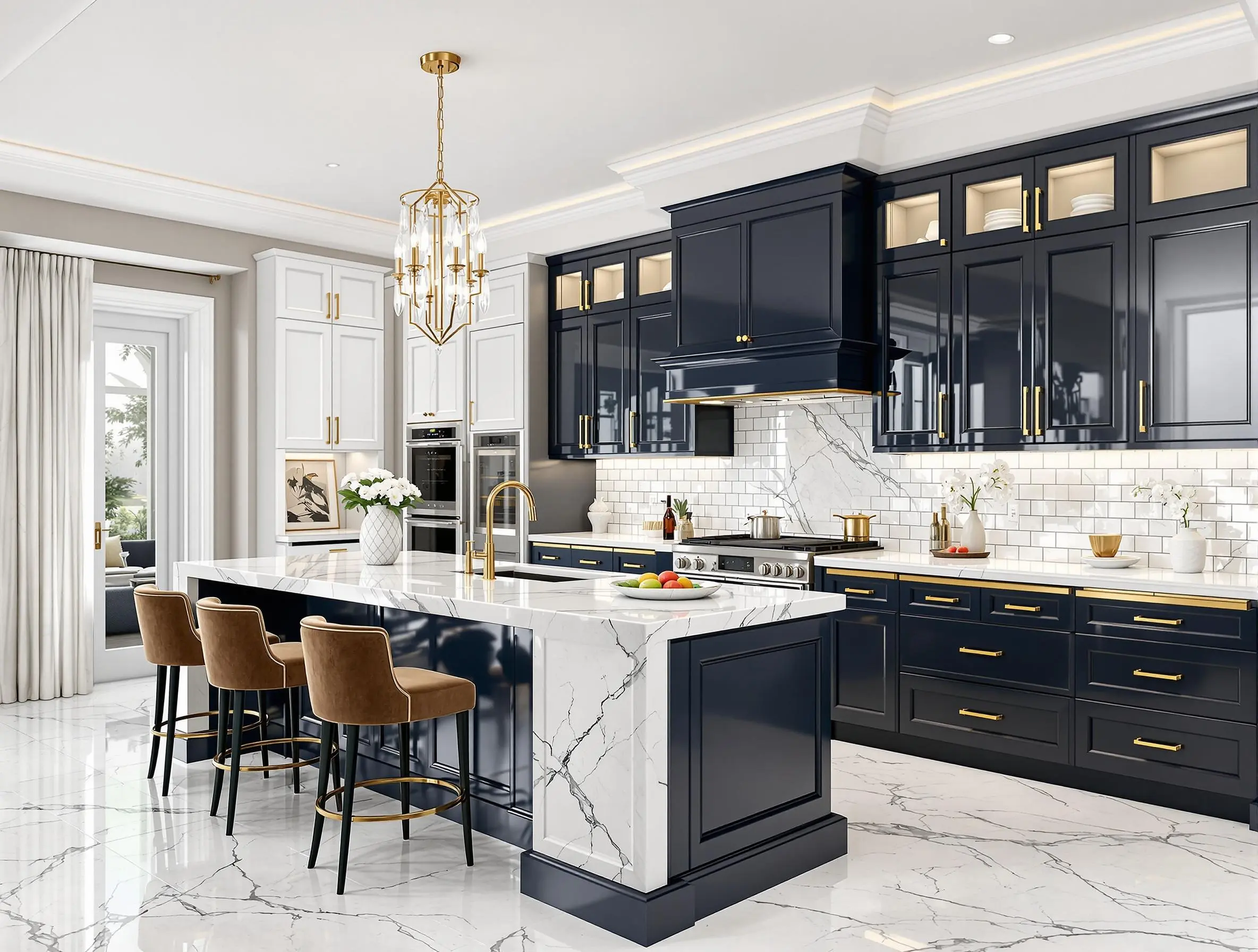
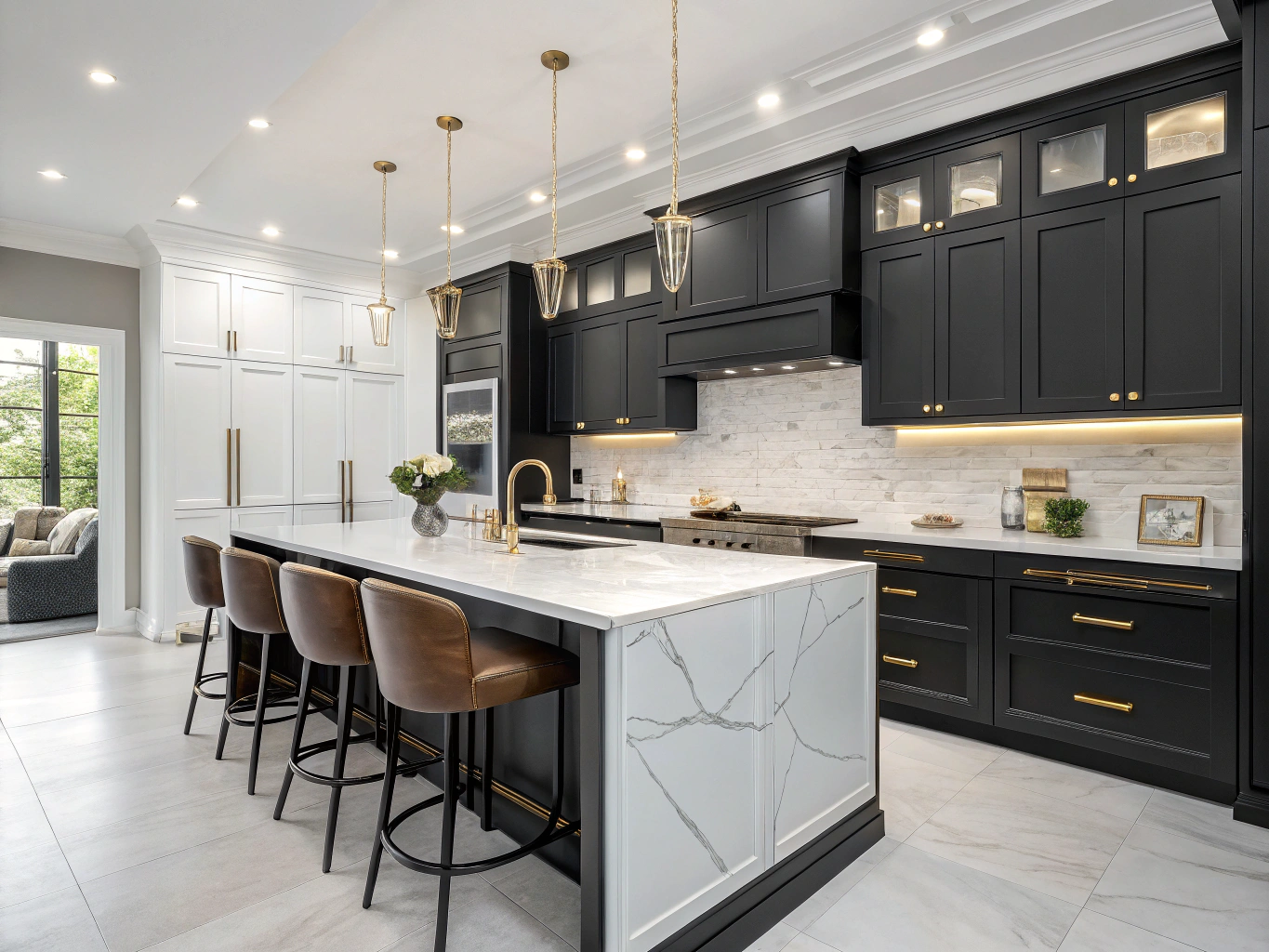
 BeforeYour design‹ ›
Upload a kitchen photo and use AI kitchen design to explore new styles, cabinet finishes, countertops, backsplashes and flooring in the room you already have.
BeforeYour design‹ ›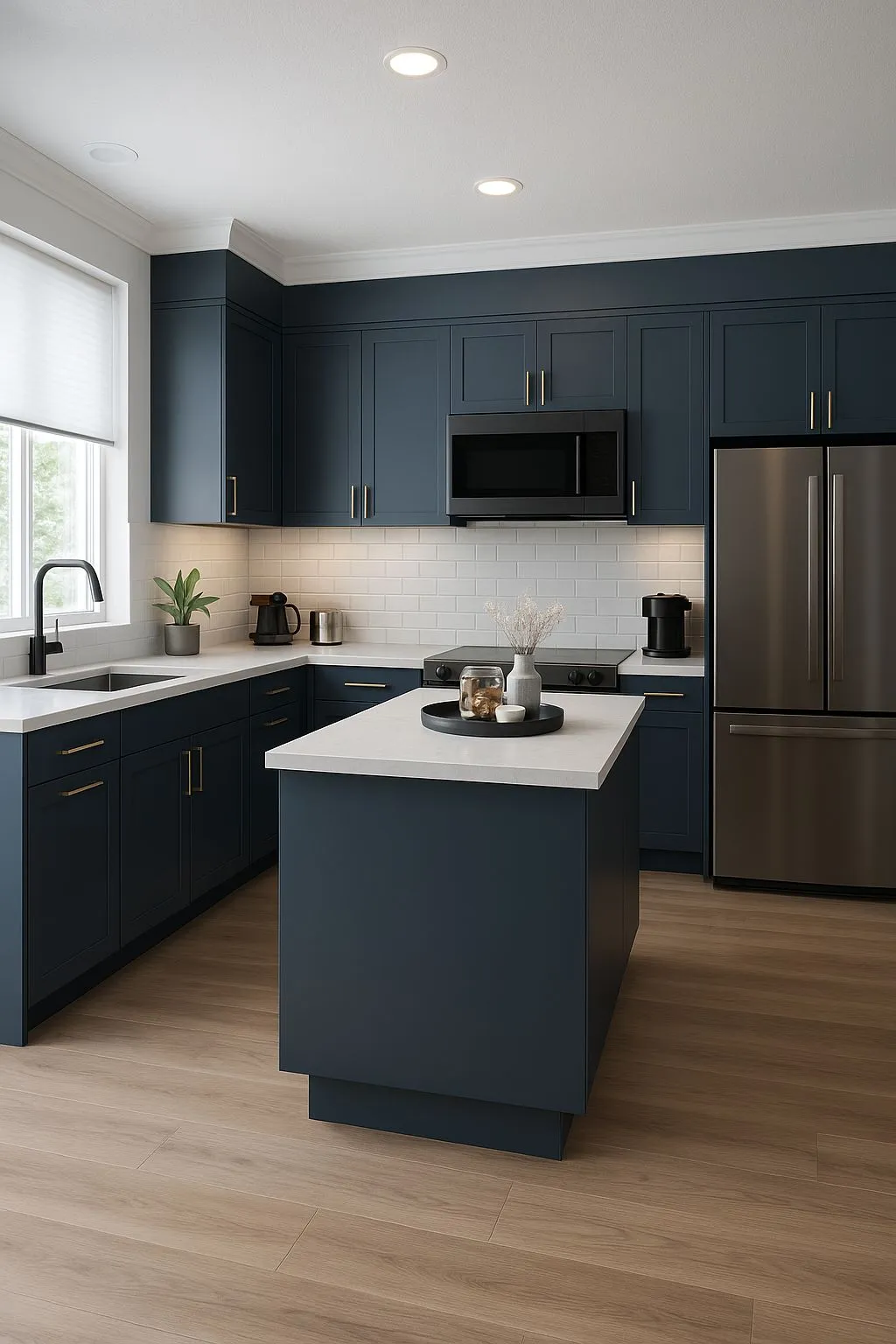
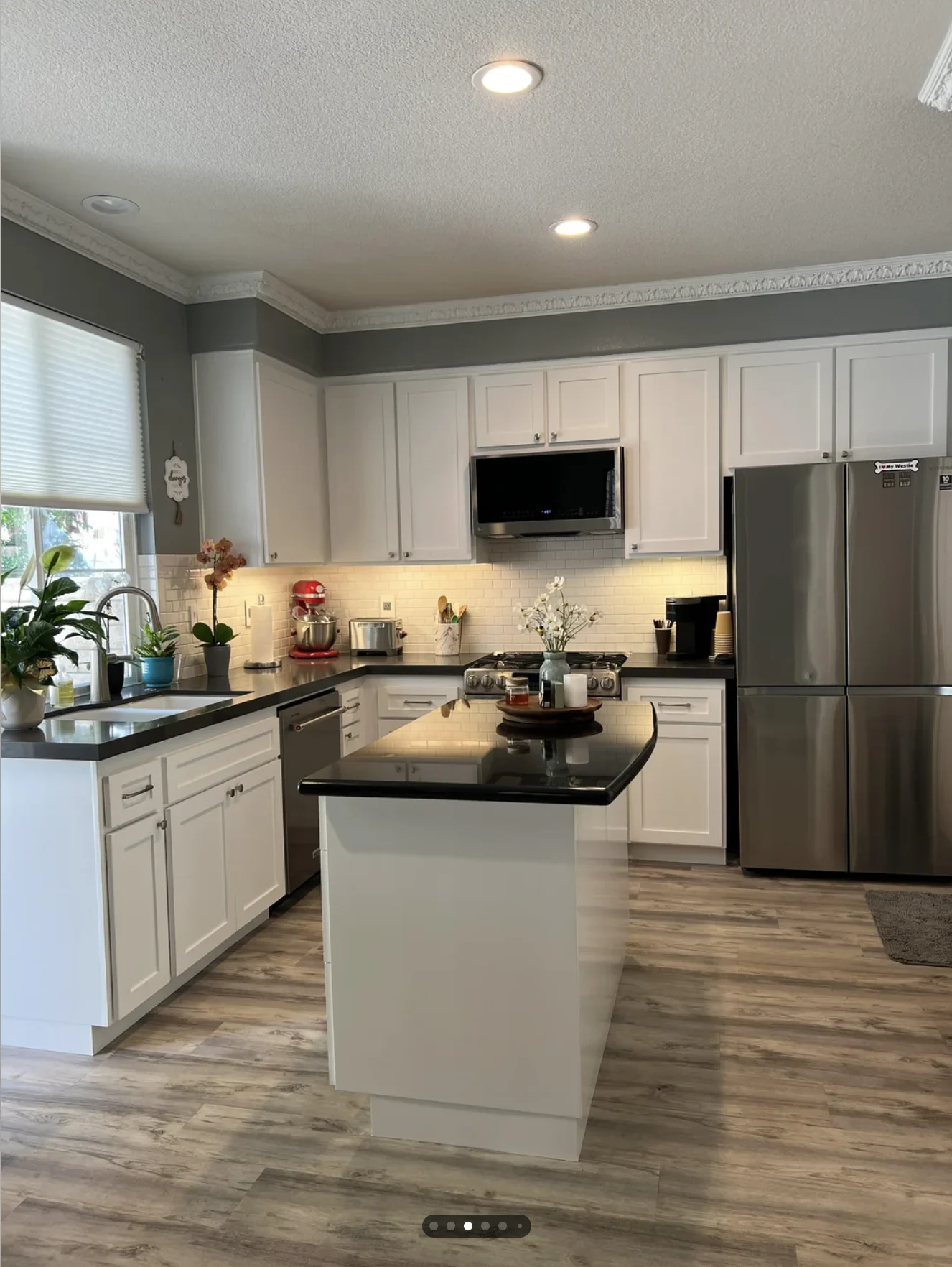 BeforeYour design‹ ›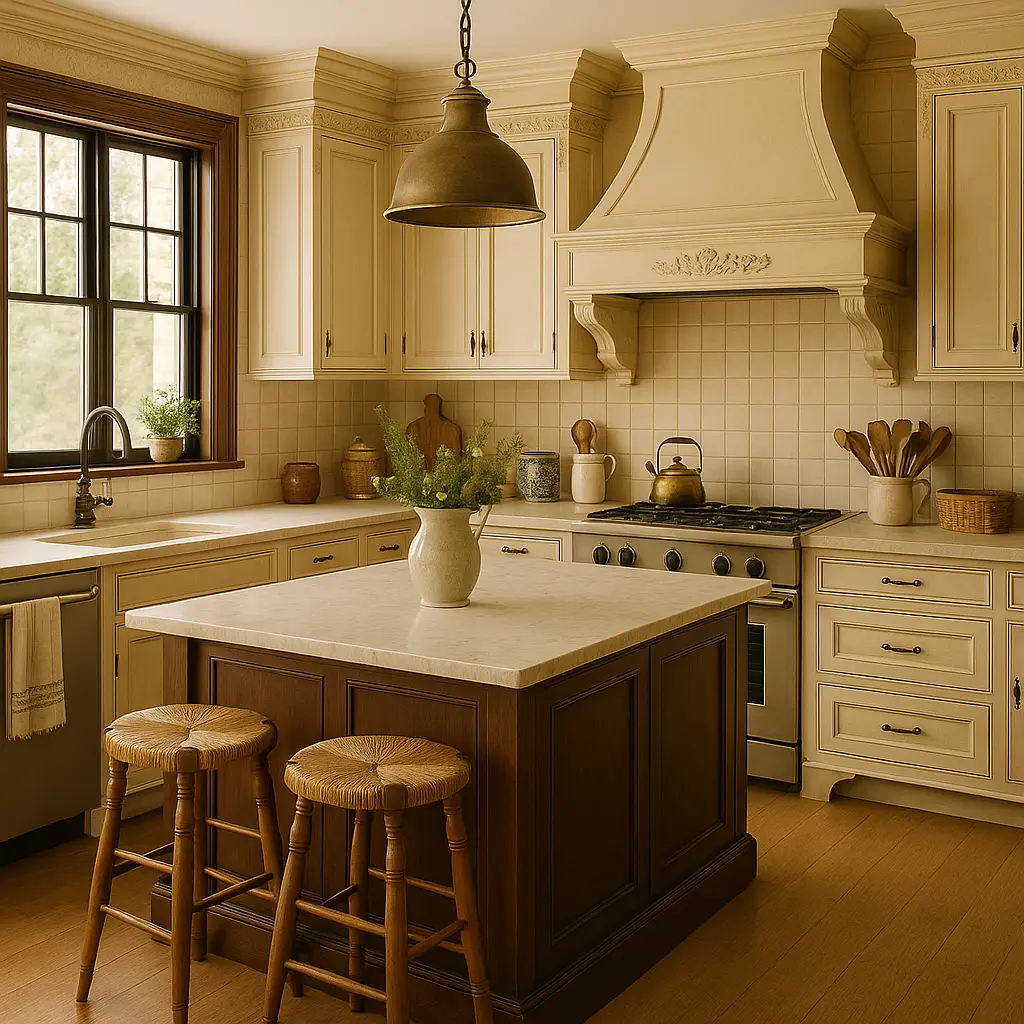
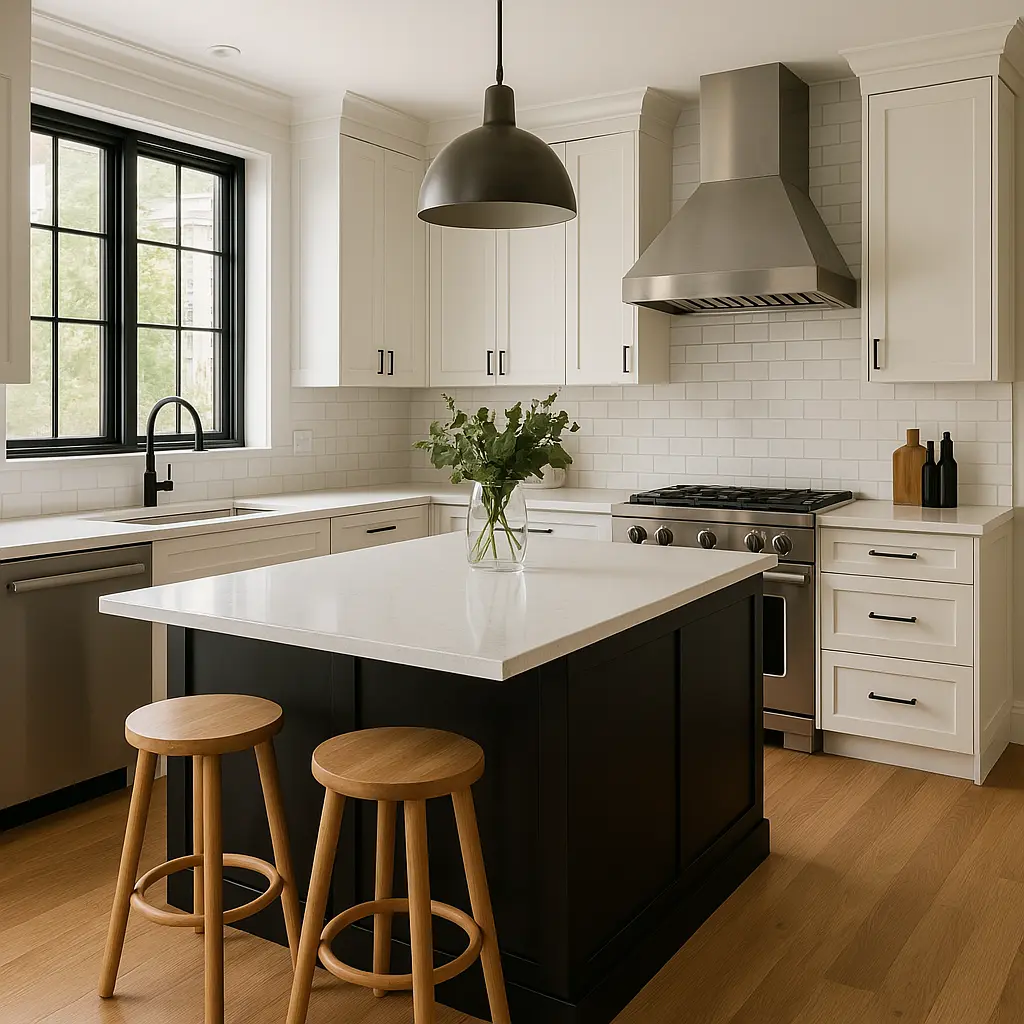 BeforeYour design‹ ›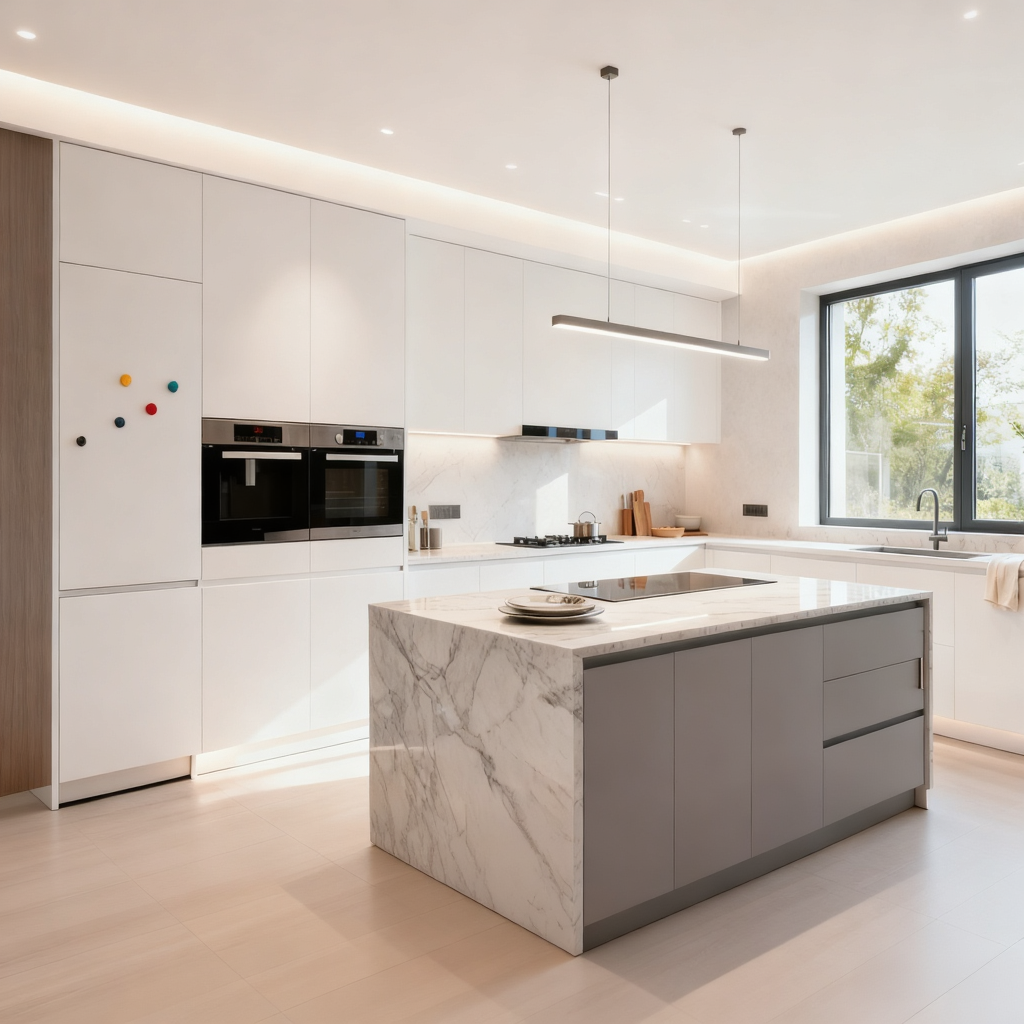
Upload one clear photo, choose Refresh, Remodel or Redesign, and add notes about what should stay or change. Our kitchen interior design AI keeps the concept focused on your kitchen instead of a generic inspiration room.
Upload my kitchen photo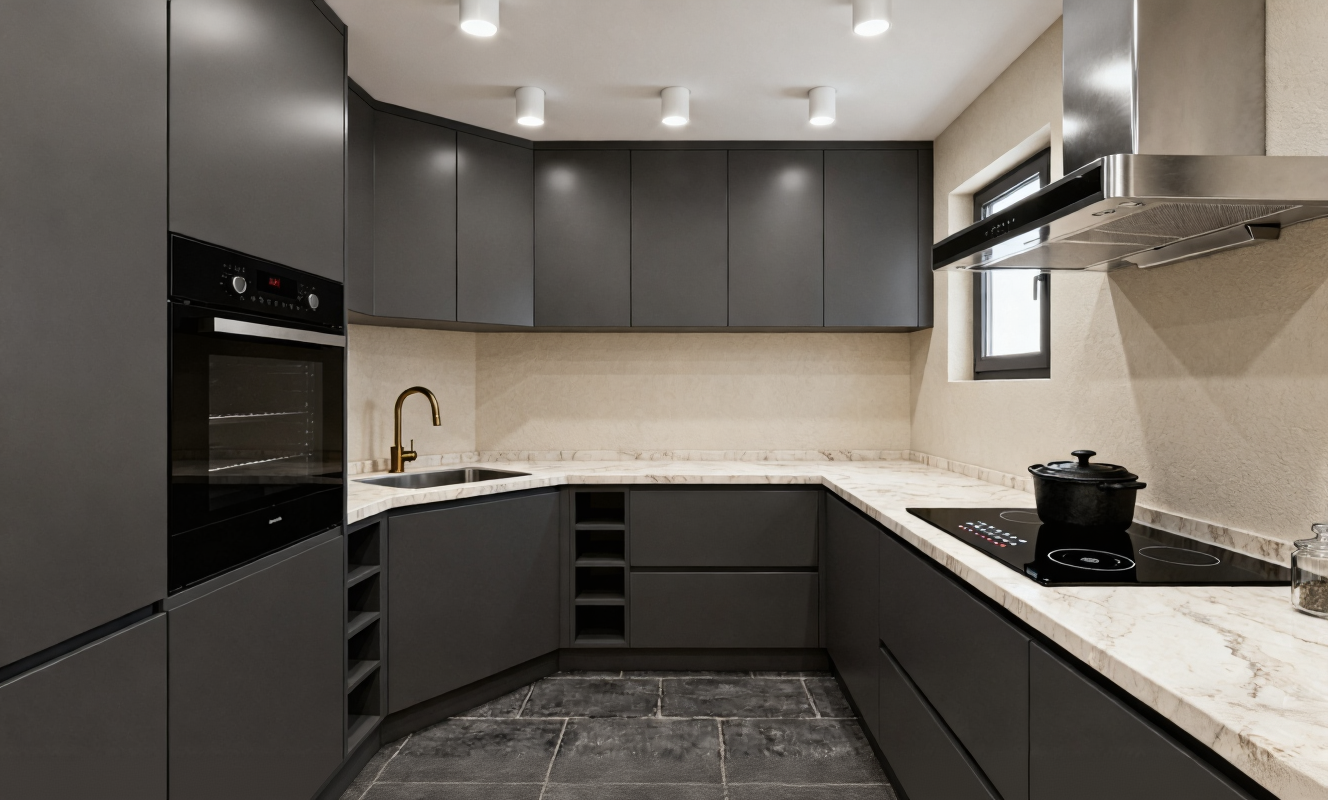
Use the AI kitchen planner to compare cabinet finishes, countertops, backsplashes and flooring in one direction. The kitchen interior design AI keeps those selections together, so you can preserve continuity or combine materials before collecting samples.
Choose styles and materials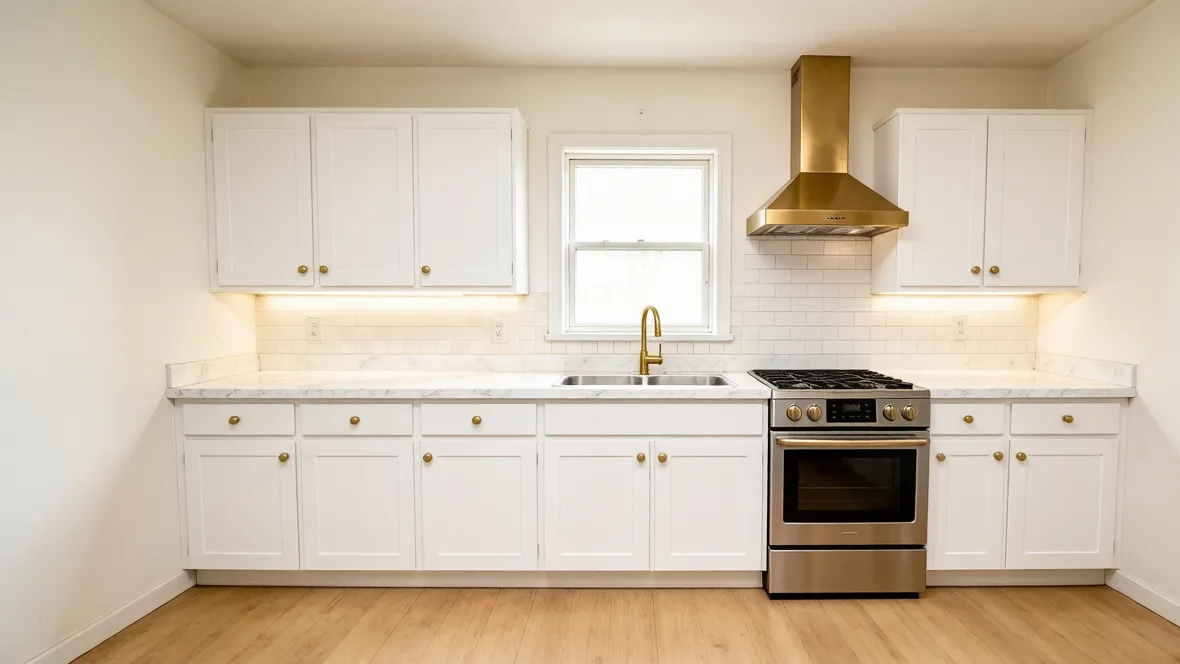
New accounts receive 350 welcome credits—enough for one 1K, 2K or 4K kitchen concept. Try AI kitchen design free, then use kitchen interior design AI to compare the result with your original photo and decide whether the direction is worth developing.
Start my free design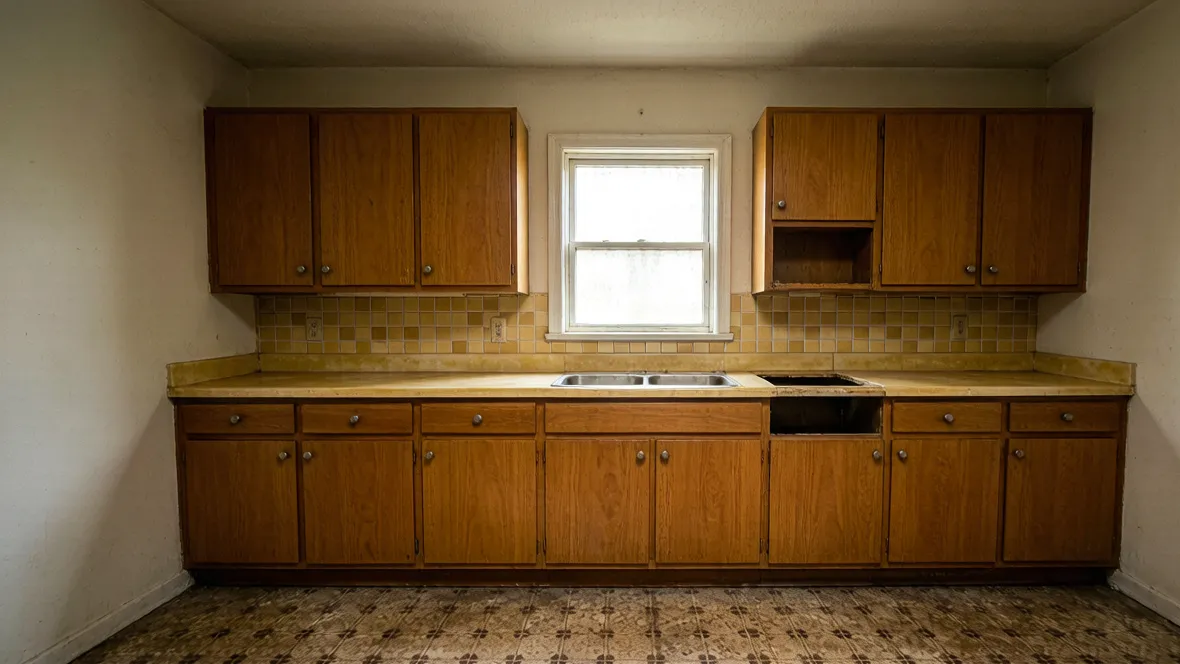
Select Refresh when you mainly want a new palette and finishes, Remodel when cabinetry and fittings need attention, or Redesign for a broader visual change. Each scope guides the kitchen interior design AI while your notes explain the island, windows, appliances or details you would prefer to preserve.
Set my remodel scope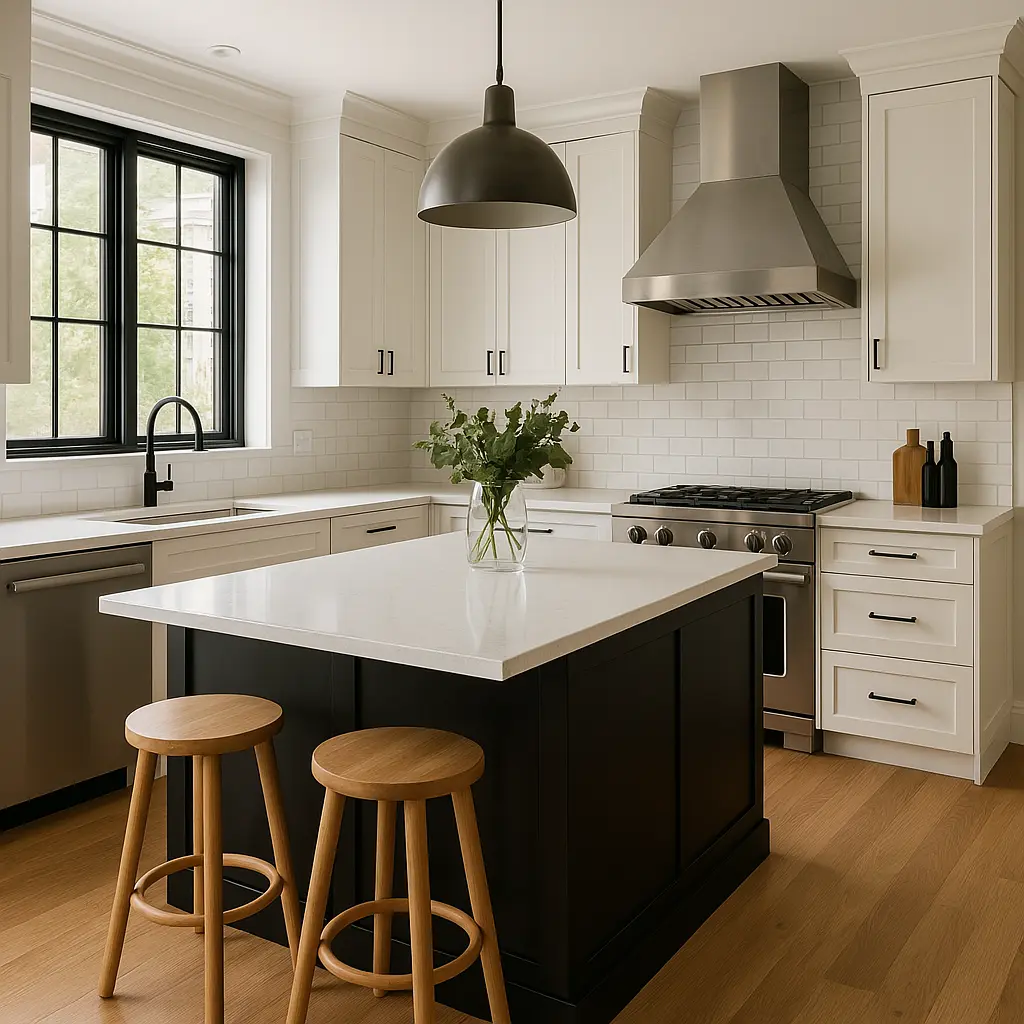
Small, galley, L-shaped and open kitchens can all benefit from a focused visual direction. Start with a bright, eye-level photo that captures as much of the room as possible, then use AI kitchen design to test lighter finishes, stronger contrast or a different style without presenting the result as a measured layout.
Explore my kitchen layoutReview the generated kitchen beside the photo you uploaded, download a successful result and return to it from your private creation history during the plan’s retention period. Kitchen interior design AI helps communicate a visual direction; confirm dimensions, materials, installation details and budget with qualified professionals.
Create a concept to compareChoose one bright, eye-level JPG, PNG or WebP image that gives the kitchen interior design AI a clear view of cabinets, appliances and openings.
Use the AI kitchen designer controls to select a style, change scope and finishes, then describe details to keep or change.
Create one kitchen interior design AI concept, compare it with the original photo and save the direction you want to develop further.
Upload one JPG, PNG or WebP kitchen photo up to 10 MB, then choose a style, change scope and finishes. Kitchen interior design AI uses those inputs to create one visual concept you can compare with the original and download.
Choose Refresh, select a cabinet finish and leave the other materials on Keep original. Add any specific details you want to preserve in the notes. These AI kitchen design instructions guide the concept, so review the result for unintended changes.
Yes. Kitchen interior design AI can explore concepts for small, galley, L-shaped and open kitchens. Use a photo that captures as much of the room as possible. The result is a visual design direction, not a measured floor plan.
Yes. New accounts receive 350 welcome credits, so you can try AI kitchen design free with one 1K, 2K or 4K concept. Your first kitchen interior design AI concept can therefore use any offered resolution. Later designs cost 200, 200 or 350 credits, and the exact cost appears before generation.
A definitively failed task releases its held credits or refunds its committed credits. If a submission is still being confirmed, the task stays pending to avoid creating or charging for a duplicate.
Yes. A successful kitchen interior design AI result can be downloaded from the result panel and revisited in your creation history during your plan’s retention period. Use the image to discuss your preferred look with a designer or contractor.
No. This kitchen interior design AI accepts one kitchen photograph, not a floor plan, drawing or PDF. Use a clear, eye-level room photo for the design concept, then confirm layout and measurements separately with a qualified professional.
Use it to explore and communicate a look. Every kitchen interior design AI image is a visual concept: AI can change proportions or details and does not provide reliable measurements, a construction budget or an installation plan. Check the design against your room measurements and material samples.
Use one bright, eye-level image that shows the main cabinets, worktops, appliances and openings in the same view. That gives kitchen interior design AI clearer visual context. Avoid heavy blur, extreme wide-angle distortion and crops that hide half the room. The tool cannot recover measurements or details that are outside the frame.
Name visible details you want to preserve and the changes that matter most—for example, keep the island and window, add warm oak cabinets, or use brass handles. Focus each kitchen interior design AI request on one coherent direction. Notes guide the image generation, but you should still inspect the result for altered fixtures, proportions or materials.

Use our kitchen interior design AI to explore a remodel concept built around the room you already have.
Design my kitchen